01 / DASHBOARD
Keep your whole business in view.
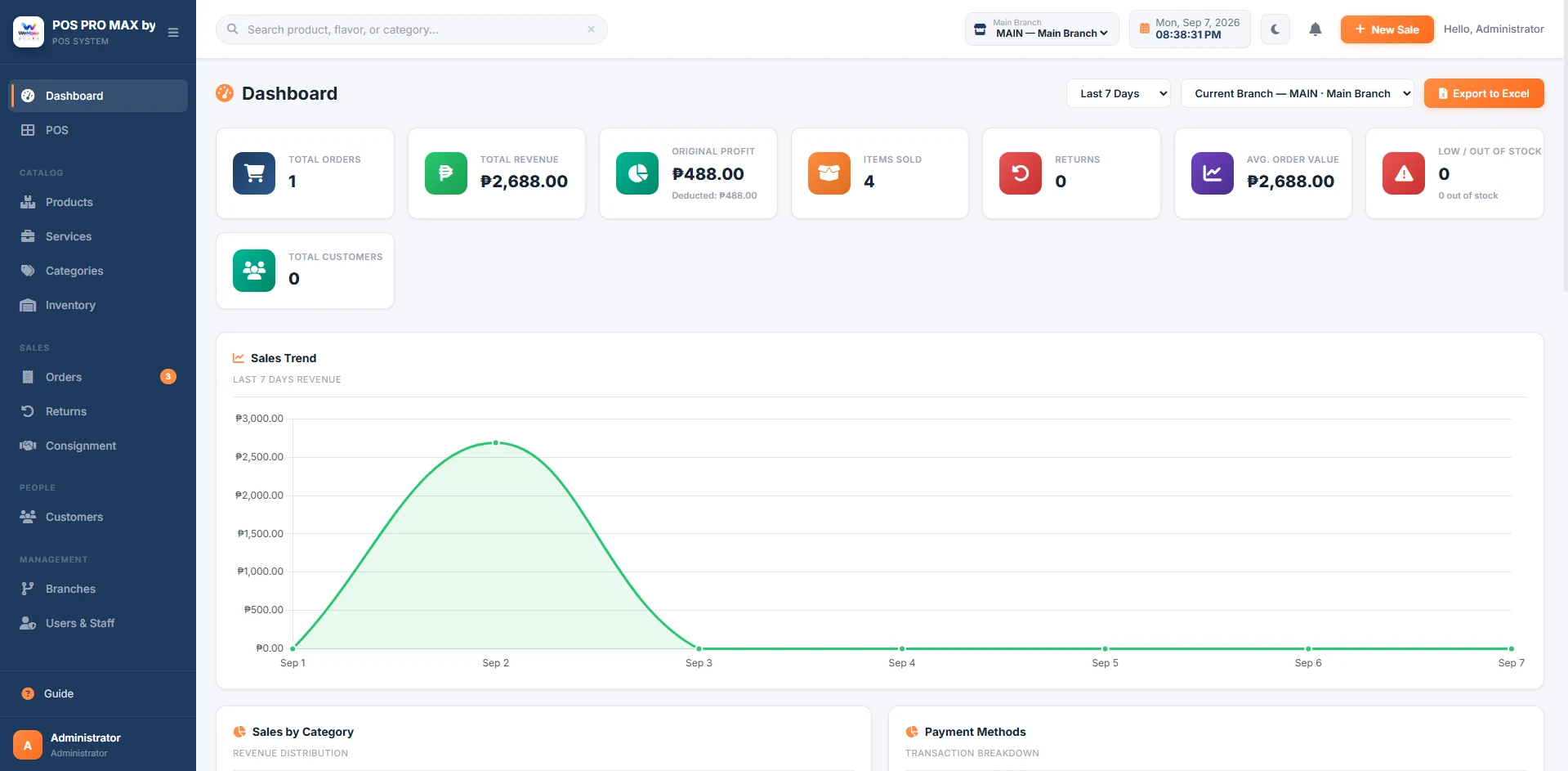
Sales, profit, stock alerts, and performance trends appear together in one dashboard.
Manage products, services, staff access, and daily reports with a cloud POS that keeps your business in view.
No credit card needed Guided setup
Currently offered free. See how access works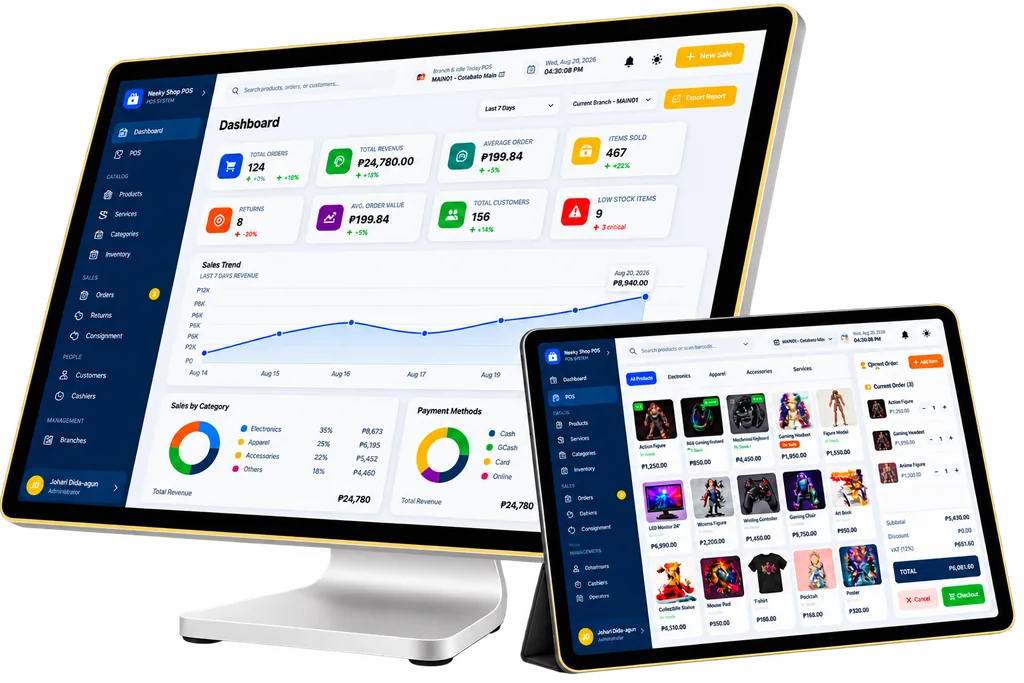
See sales, stock alerts, and branch results together. Then use that information to decide what needs your attention.
Sales, profit, stock alerts, and performance trends appear together in one dashboard.
Swipe on mobile or drag with your mouse to explore all modules.
Add products or services, apply discounts, and record the payment. Product stock updates with the sale.
Check low-stock and out-of-stock alerts before you reorder. Keep your inventory decisions grounded in current quantities.
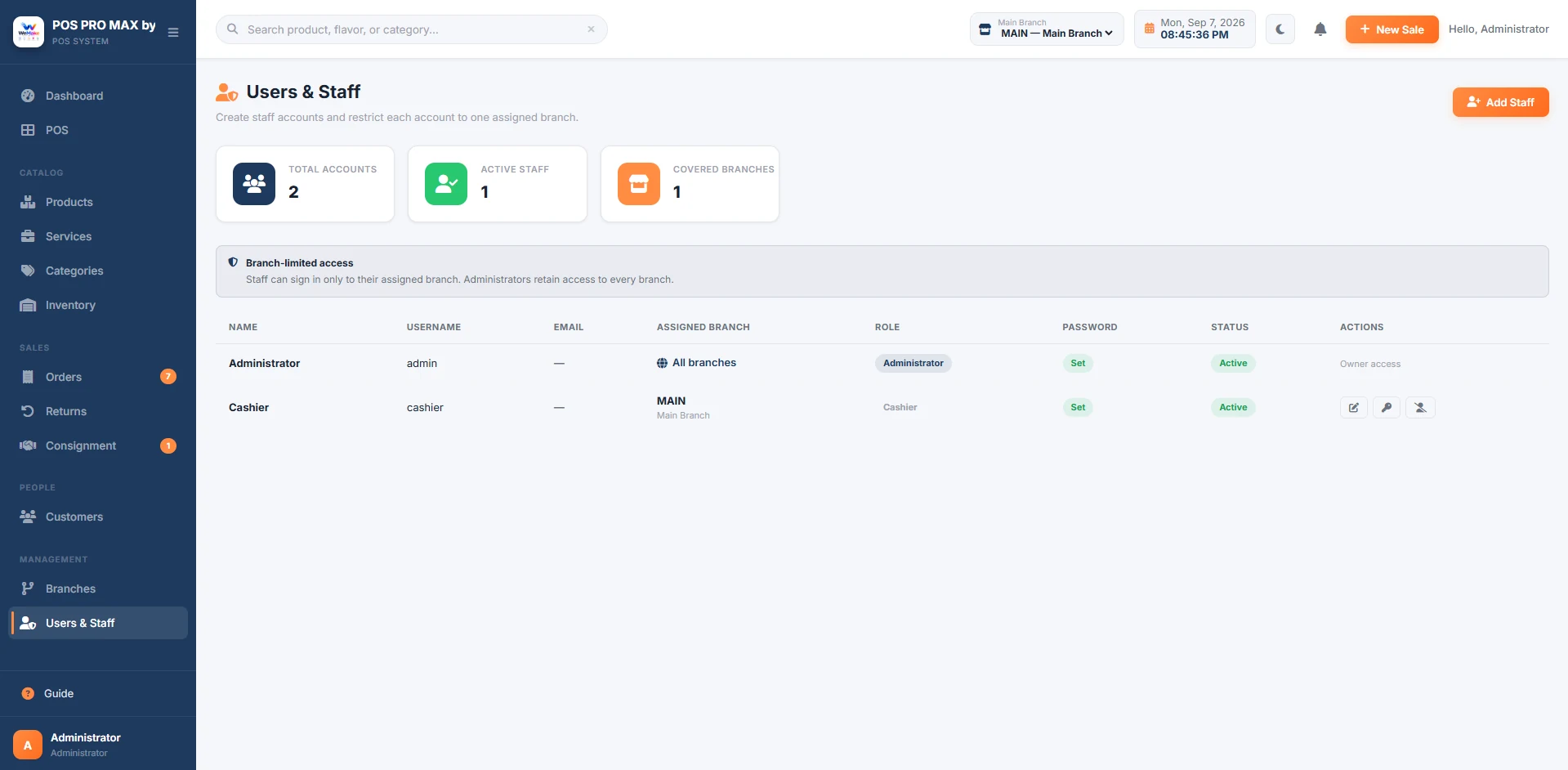
Review branch results and give staff access to their assigned locations. Keep daily work and management access separate.
Sales, inventory, and people in one connected workflow—with the details there when you need them.
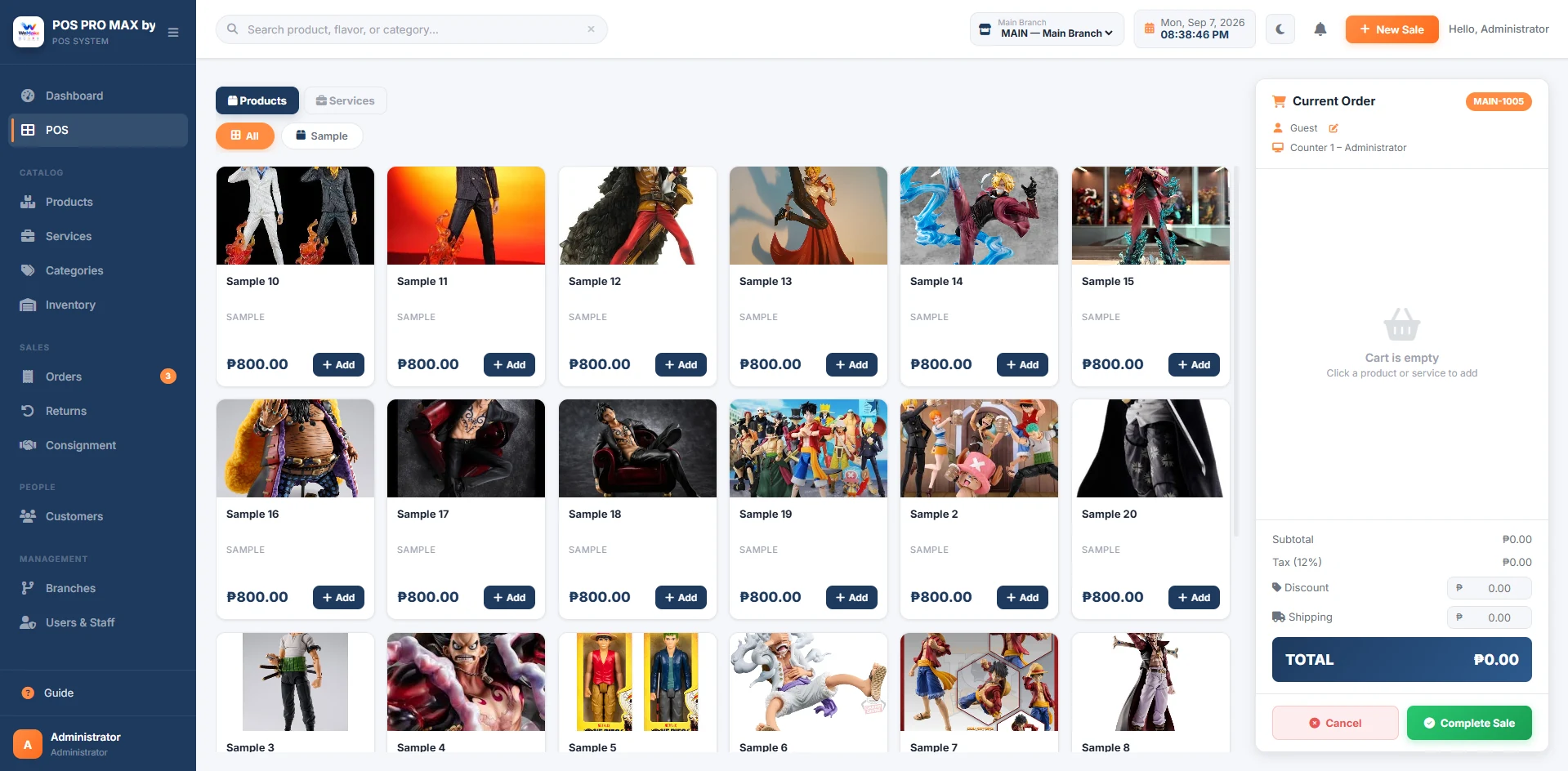 Inside WeMake POS
Point of Sale
Add products or services, apply discounts, and complete a sale from one screen.
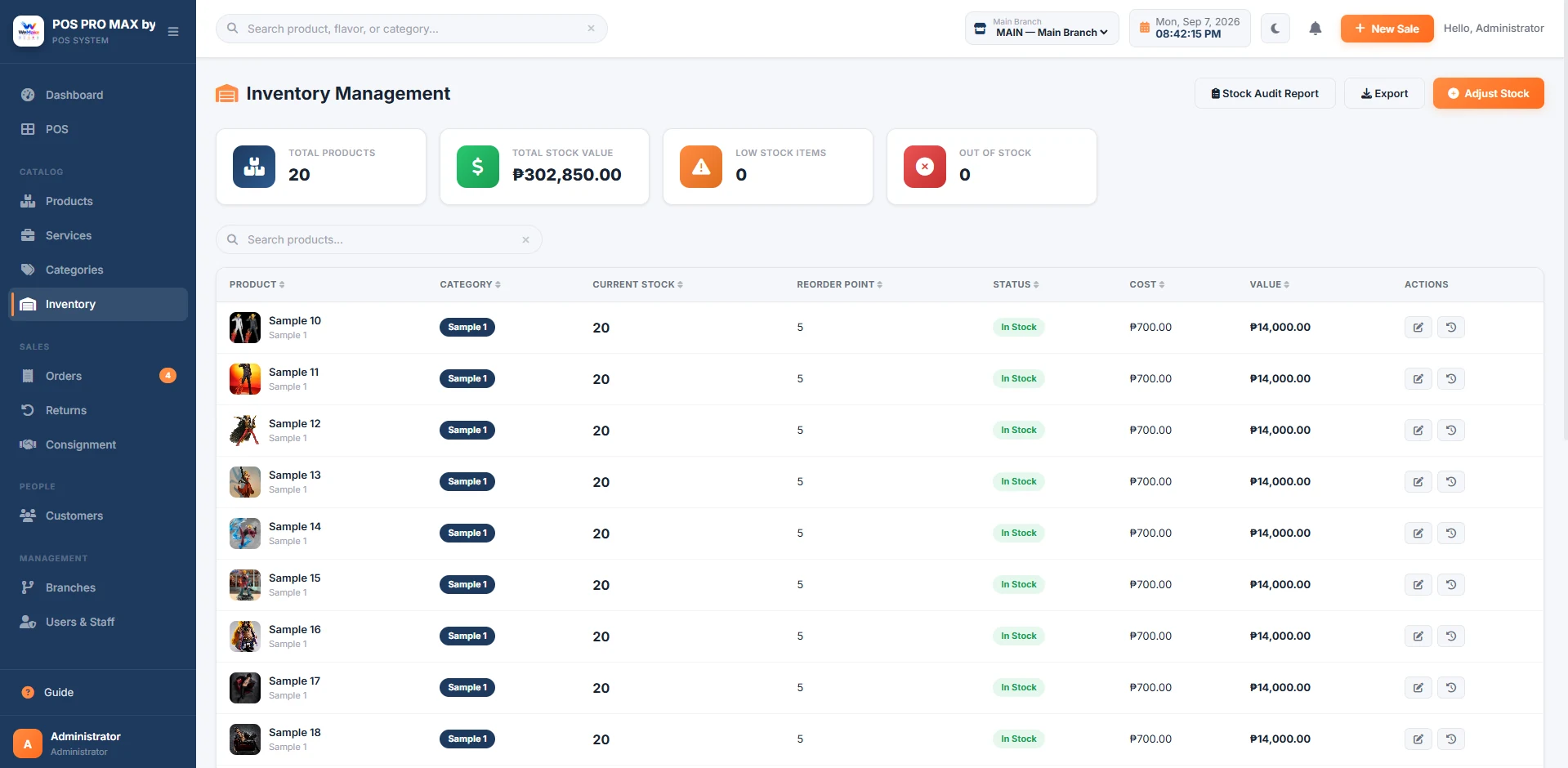 Inside WeMake POS
Inventory Management
See stock on hand and low-stock alerts before your next sale.
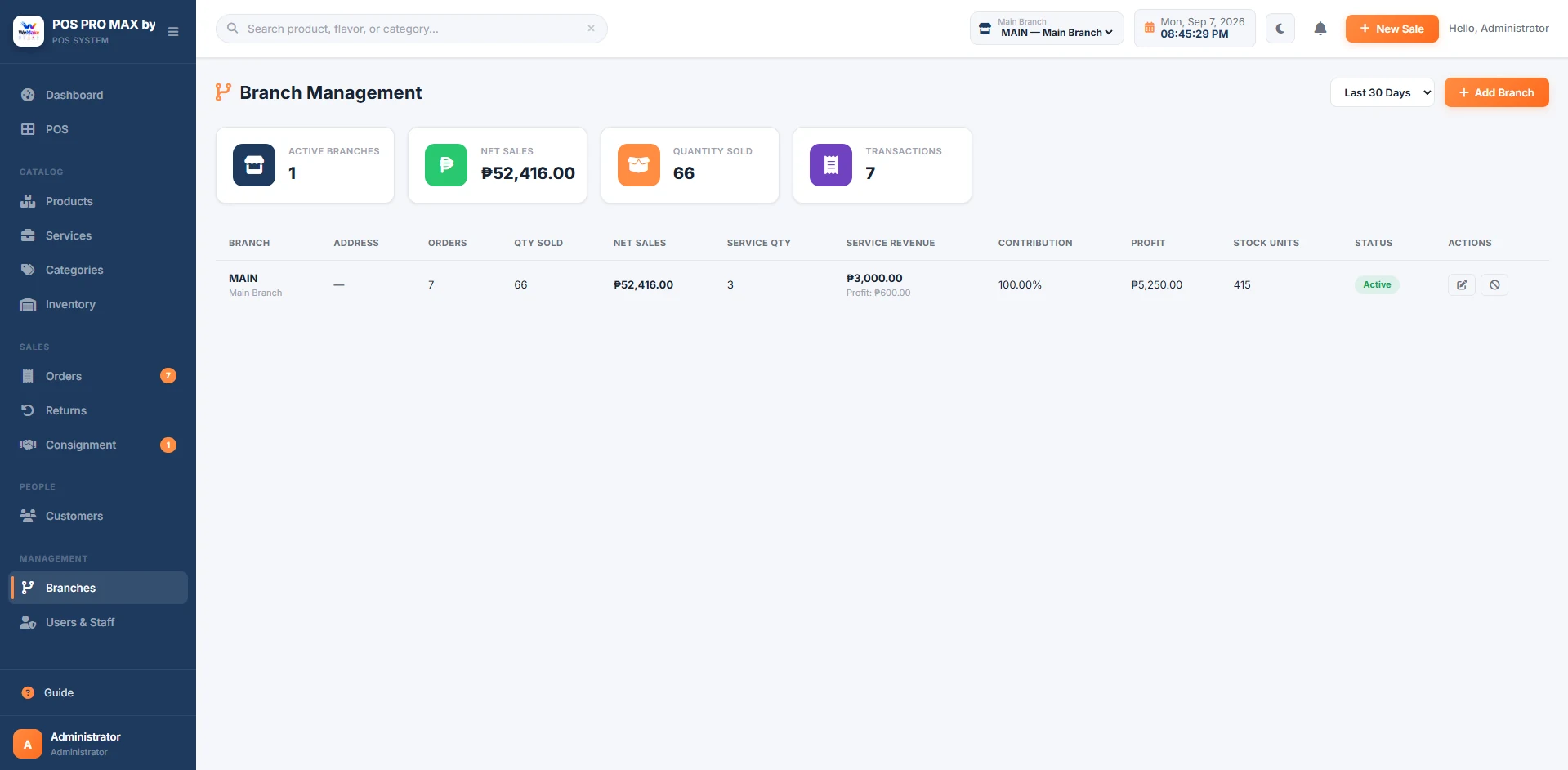 Inside WeMake POS
Branch Management
Compare branch sales and manage your locations from one account.
Inside WeMake POSReports & Analytics
Review revenue, profit, and payment trends for your selected period.
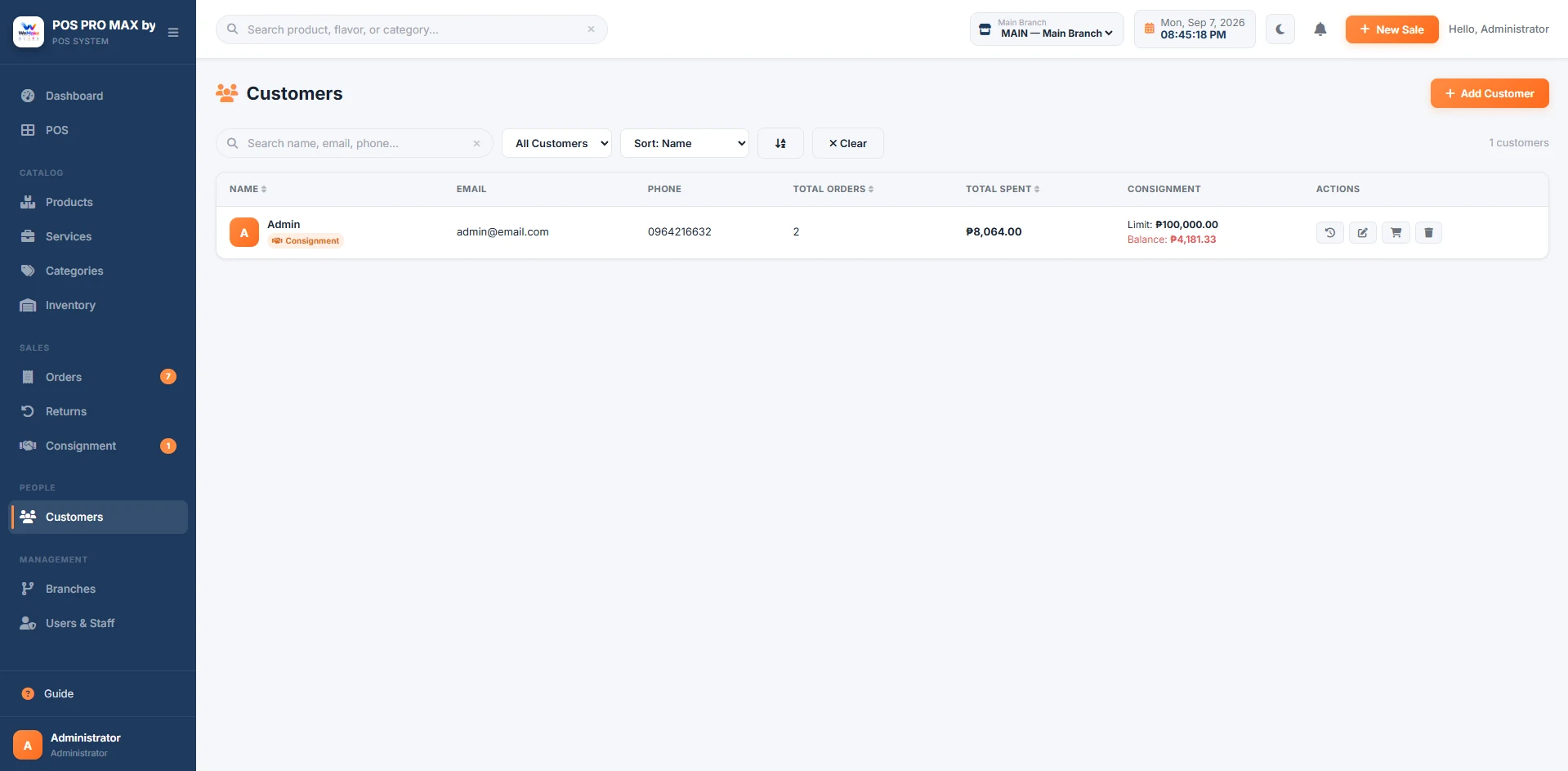 Inside WeMake POS
Customer Management
Find customer profiles, past purchases, and outstanding balances.
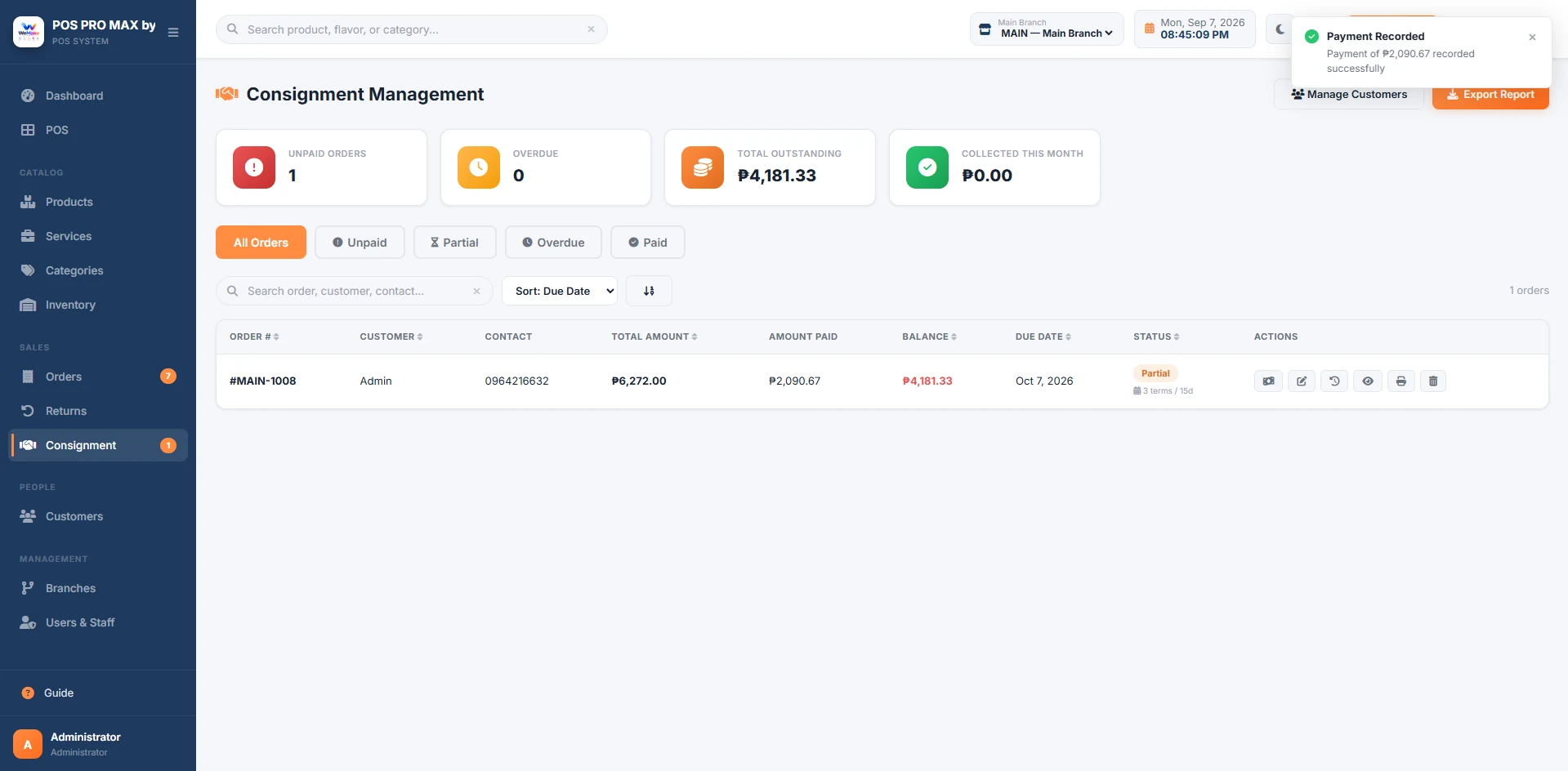 Inside WeMake POS
Consignment
Track unpaid and partial payments, due dates, and collections.
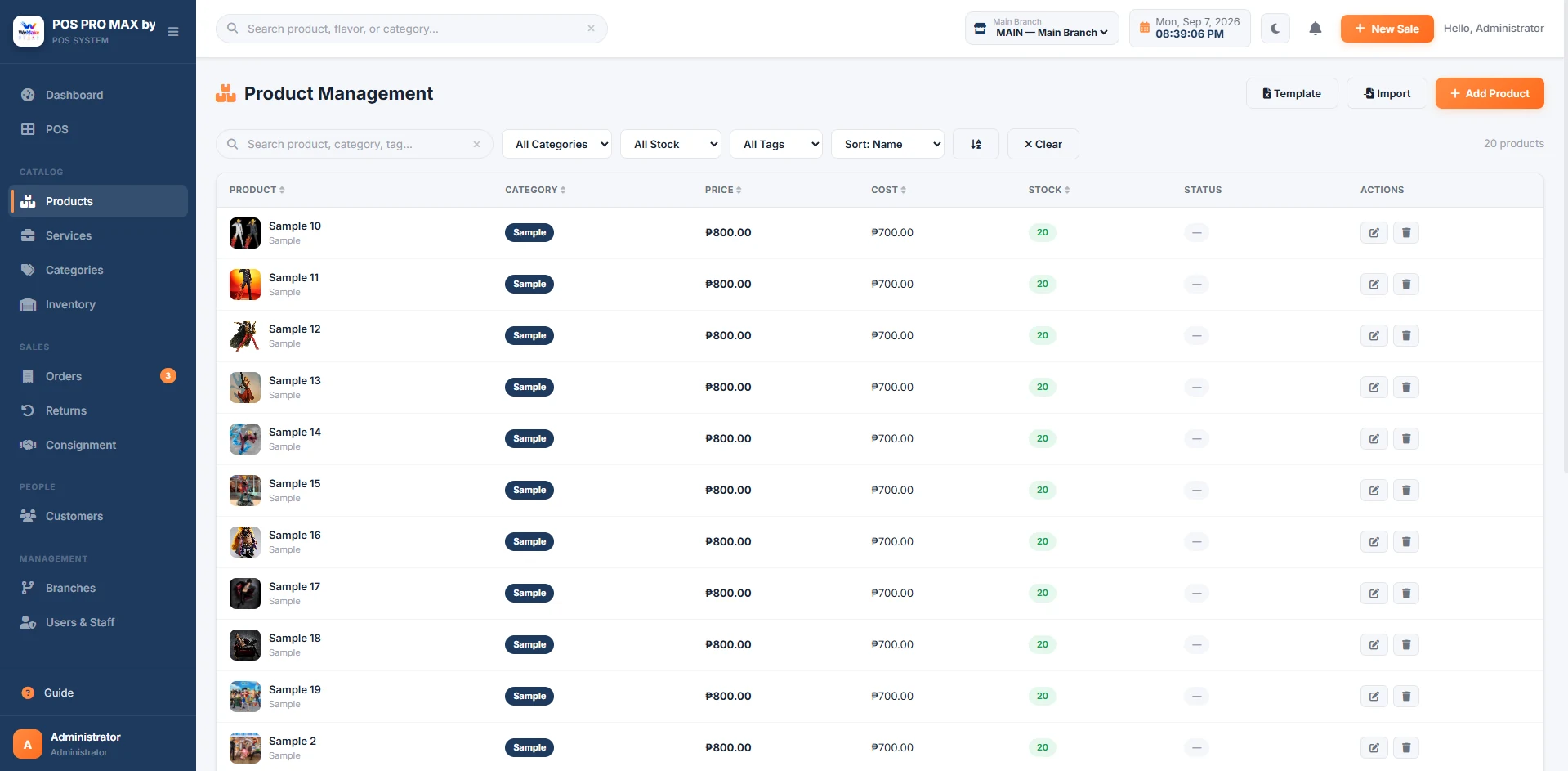
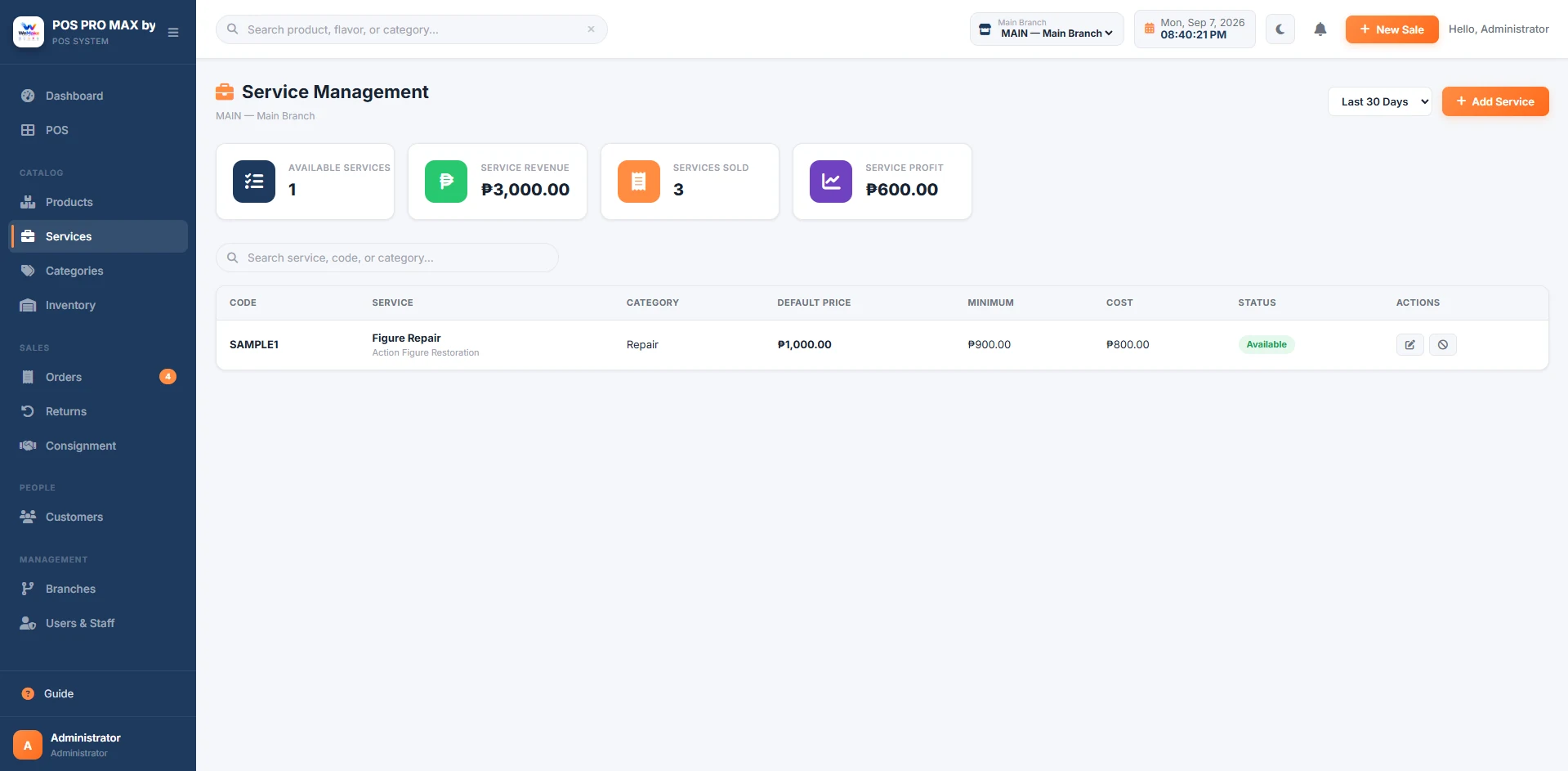
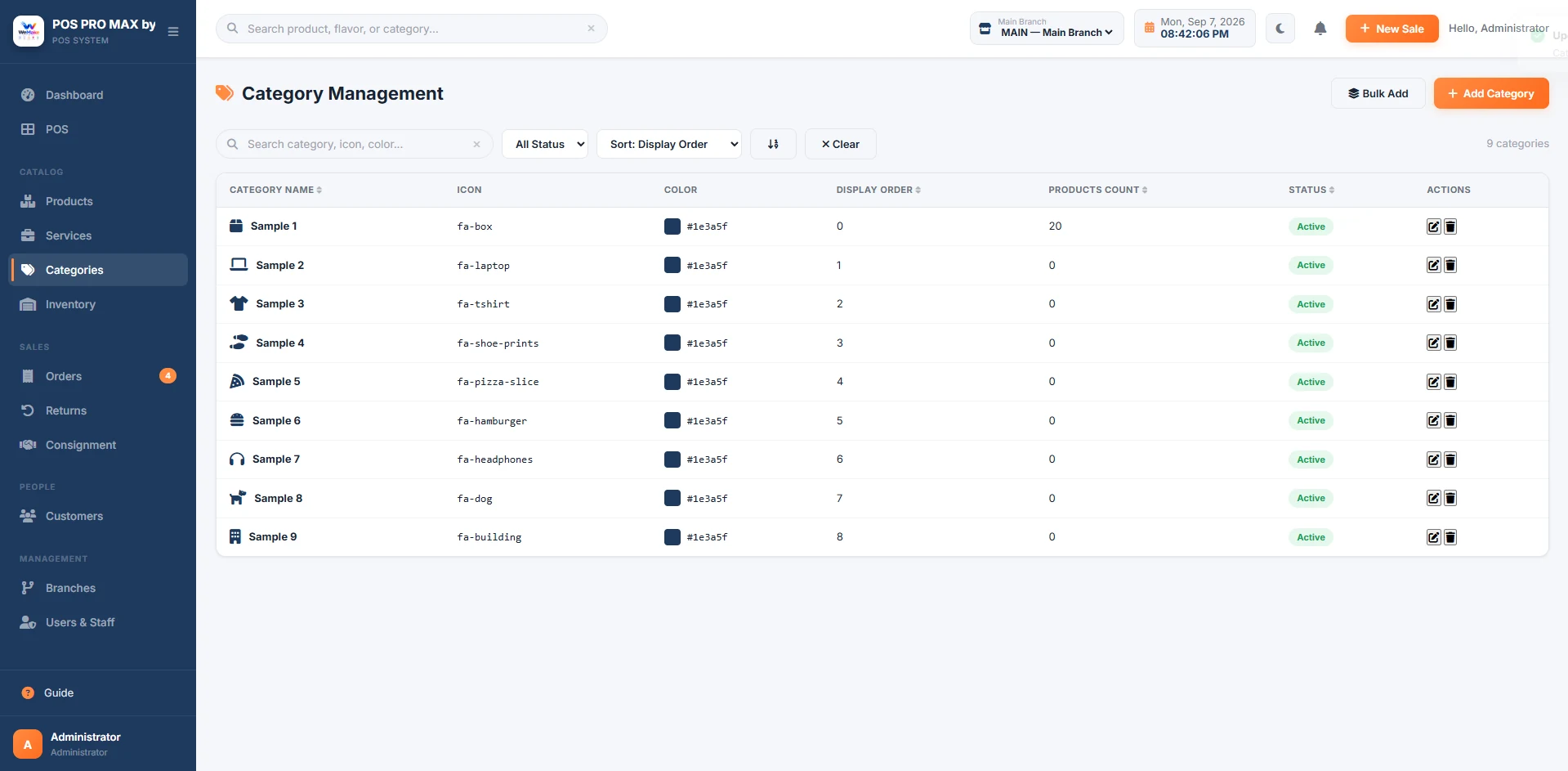
Manage both physical products and service offerings from a single, unified catalog.
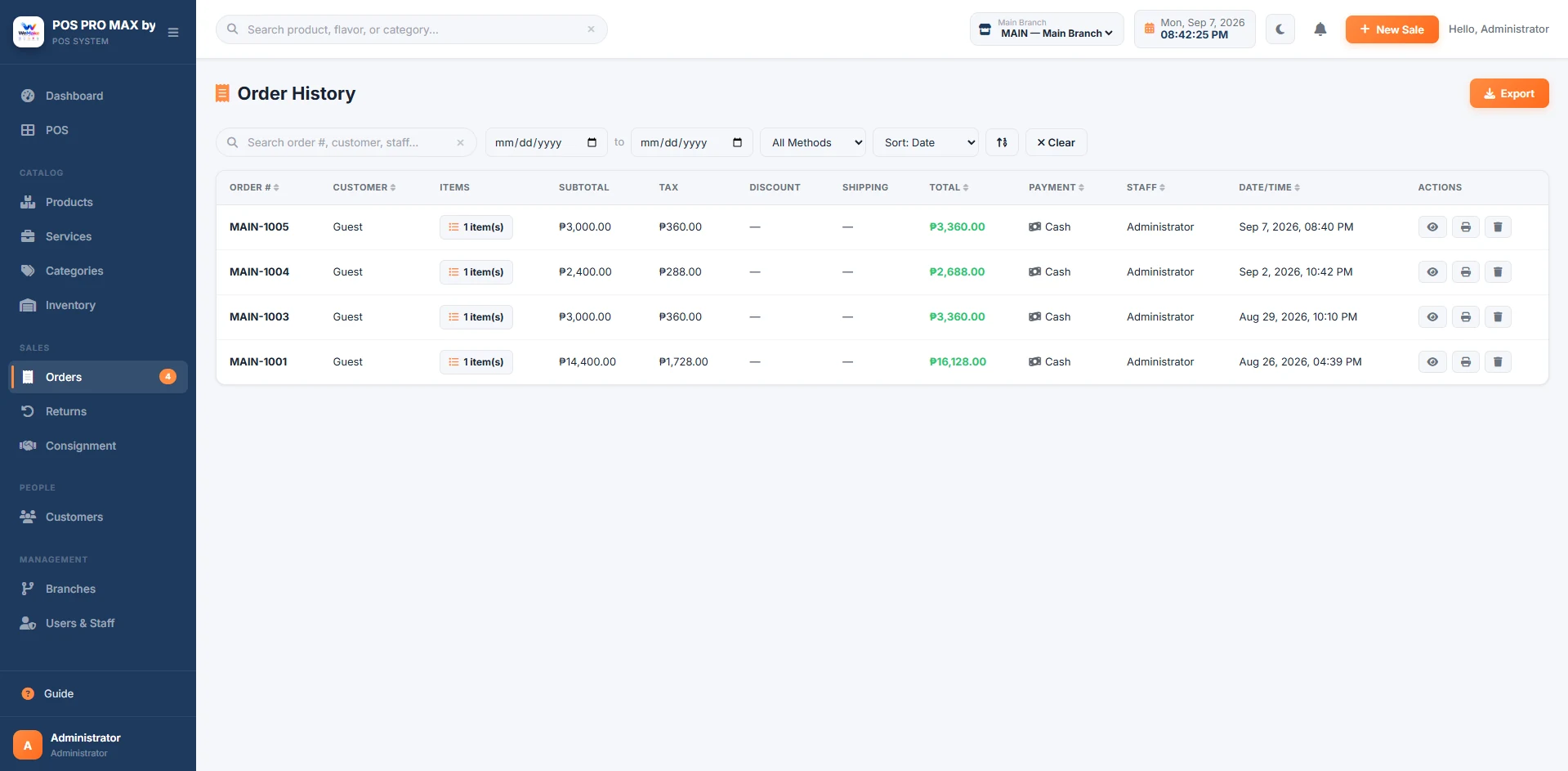
View all transactions and order history. Filter and search by date, staff, or product.
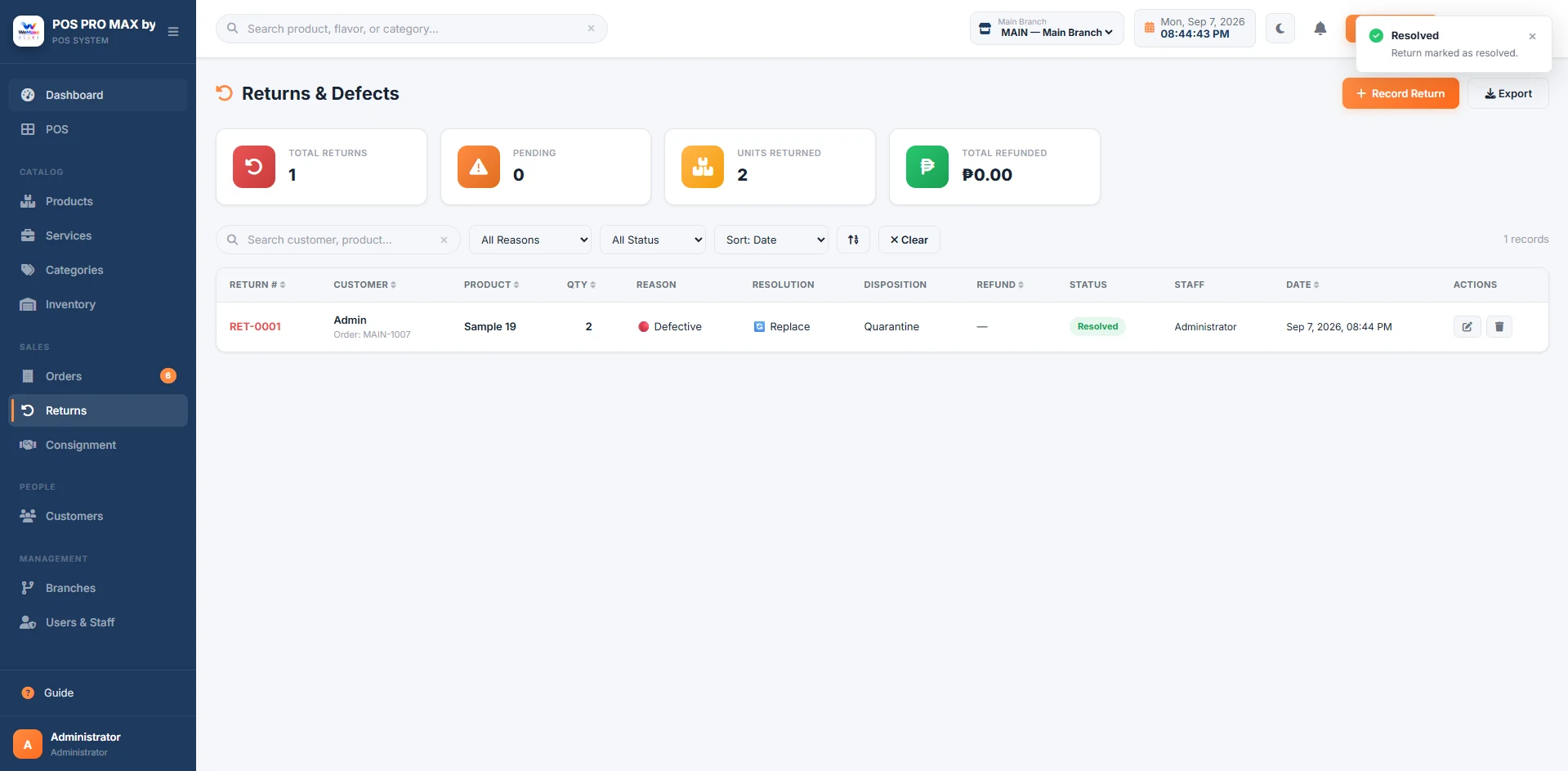
Handle product returns cleanly. Keep your inventory and financials accurate.
Export your reports and business data to Excel whenever you need it.
WeMake POS is flexible enough to fit the way different types of businesses operate.
From clothing to hardware — manage products, stock, and sales in one place.
Record treatments, hair services, and retail sales together. Track the products your business sells.
Organize devices, liquids, and accessories. Track product stock and sales across your stores.
Record service sales, manage your customer list, and review transaction history in one place.
Fast order processing and real-time stock visibility for small food and beverage businesses.
One location today, more tomorrow. Multi-branch tools work across these business types.
We’re offering WeMake POS free for now so business owners can try it, tell us what works, and see whether it fits their day-to-day operations.
Bring your questions to a guided walkthrough. Explore the actual system before deciding how it fits your business.
Currently offered free so you can see whether WeMake POS fits your operations. No credit card is required.
Enter your business details to create your demo workspace.
Your demo is created automatically. Save the on-screen sign-in details and access period.
Add your catalog, explore sales and reports, and tell us what works for your business. Ask our team for setup assistance.
Demo access is time-limited, not a promise of lifetime free use. Contact us before it ends to discuss continued access.
Can't find the answer you're looking for? Reach out and we'll be happy to help.
Contact SupportBring your daily workflow and your questions. We’ll show you how sales, stock, and branch reporting work together.
Free demo · No credit card needed · Automatic setup after submission